Script Calligraphy Font Generator
Tap any card to copy that style.
Copied!
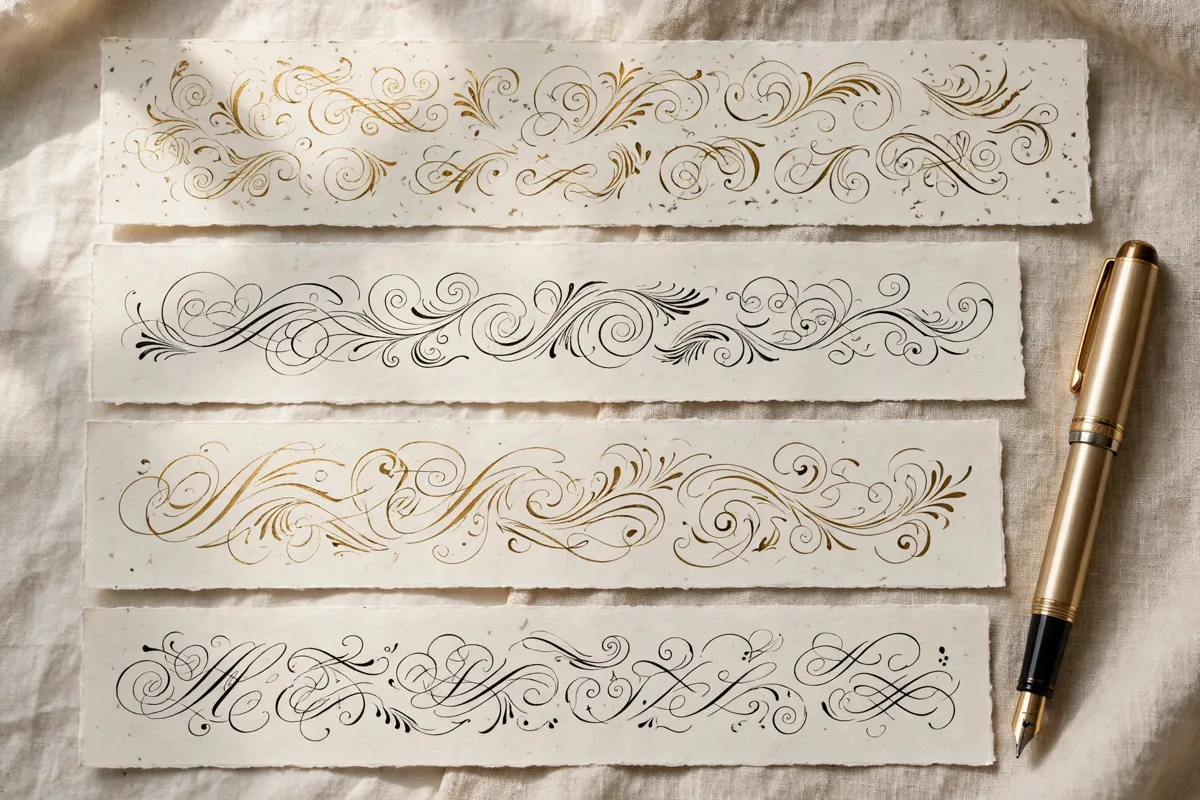
What this tool does
Script calligraphy is the broad, flowing family of connected lettering, from elegant wedding scripts to lively everyday hands. It is the most versatile calligraphy style of all. Expect connected letters, flowing joins and a wide range of moods, from formal to casual, within one family. This free tool lets you type any word or short phrase and instantly see it in script style, ready to copy and paste into your design. Try it first with Beautifully Written and then with your own name, so you can compare how long words and short words behave in script lettering before you choose a final version for print or posting.
How to use it
Start by typing a short phrase, such as Your Story, In Script, into the generator box above. Browse the script previews, pick the one that matches your project, and copy it with one click. Paste it into your invitation, post or design, and adjust the size and colour there to finish the look.
Best fonts for this
Two fonts from our library pair especially well with this style. Grand Hotel works well because its upright, hotel signage style suits classic displays. Zeyada is another strong match, since its casual, handwritten flow suits personal notes. Try both with your own words, such as Your Story, In Script, and see which one suits your project. As always, check the license note on each font page before commercial use.
Where it works
This style works beautifully for wedding stationery and greeting cards, logos, branding and social graphics and signage, packaging and personal projects. For inspiration across every style, browse the A to Z collection, and start new projects from the homepage. You can also explore Old English and Engrossers for related looks that pair well with script lettering. If you are new to styled text, read real fonts versus unicode styles via real fonts versus unicode styles for a simple walkthrough. Because this style is best for short lines, use it for the headline and keep directions, prices and contact details in plain text, so every reader can find the practical information quickly.
Tips for better results
Choose the mood first, formal or casual, then pick a matching script. Use script for headlines and names, not long paragraphs. Test script text on mobile, where connected letters can blur at small sizes. Always preview your final design on the device or paper where people will actually see it, since size and colour can change how lettering feels. Also save a plain text copy of your wording alongside the styled version, so you can reuse names, dates and addresses without retyping them, and keep a consistent style across invitations, posts and packaging.
Frequently asked questions
Q: What is script calligraphy?
Connected, flowing lettering where letters join together, covering styles from formal copperplate to casual handwriting.
Q: Is all calligraphy script?
No. Some historic hands, such as uncial and textura, are not fully connected scripts.
Q: Which script should beginners choose?
A clean, modern script is easiest to read and works for the widest range of projects.
Browse all 200 calligraphy tools by style, occasion, platform and theme.