Cursive Font Generator
Tap any card to copy that style.
Copied!
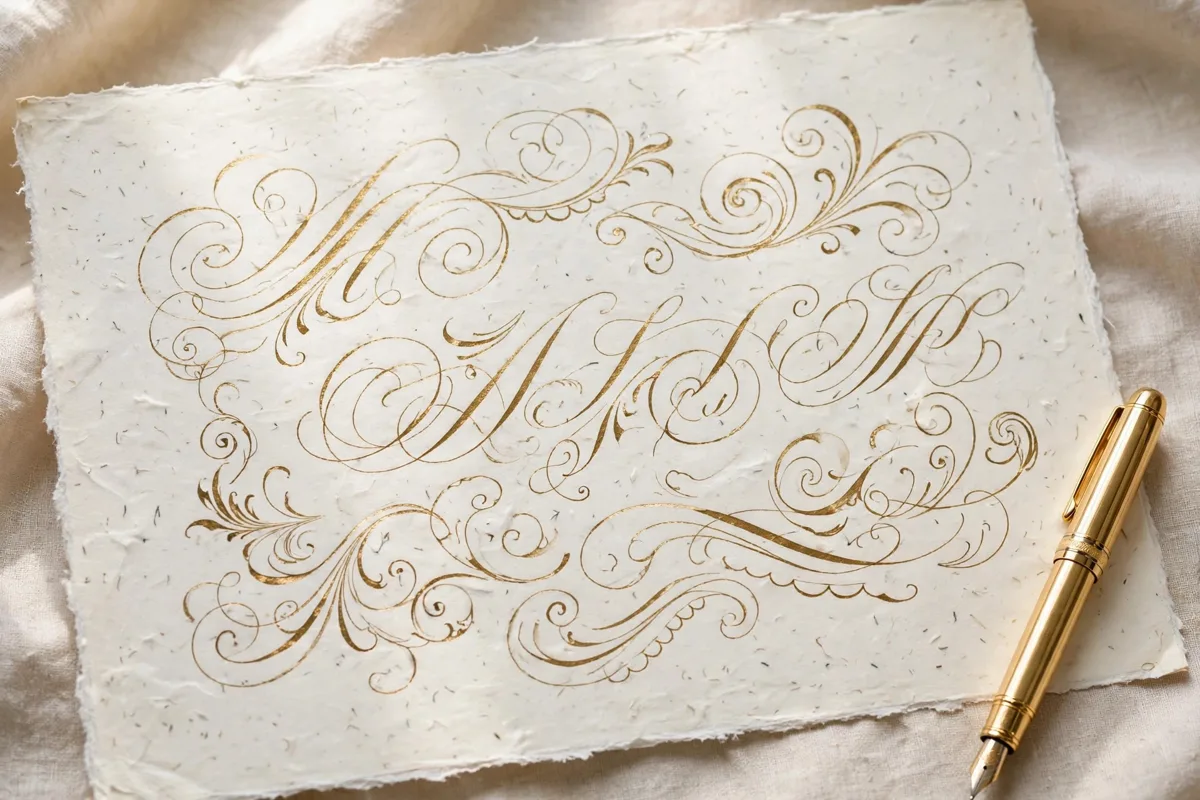
Make flowing cursive text in seconds
Cursive writing has a warmth that plain typed text cannot match. The loops join, the letters lean, and a simple name starts to look like it was written by hand. This cursive font generator gives you that look without a pen, a tablet, or a design program. You type your words once, and the tool shows them in a wide range of flowing script styles. Some styles are neat and schoolbook clear, others are loose and artistic, and a few are bold enough for a poster or a social media header. You can use the result for a birthday message, a journal heading, a shop name, a quote graphic, or a profile bio that needs a softer touch.
The tool is built for everyday use. There is no account to create, no download to install, and no payment step hidden at the end. You open the page, type, choose, and copy. That simplicity matters when you are working on a card at the last minute or testing a few ideas for a brand name. You can try the same word in ten different scripts in under a minute and keep only the version that feels right. Because the generator works in your browser, it is just as useful on a phone as it is on a laptop, which helps when an idea arrives while you are away from your desk.
How to use the cursive generator
Step one is to type your text in the box at the top of the tool. Keep it short for a first test, because short words show the joins between letters more clearly. A name, a short phrase, or a single word such as love, hope, or family works well. Step two is to look through the style cards below the box. Each card shows your exact text in a different style, so you do not have to imagine the result. Tap or click the card you like. Step three depends on what you need next. For text use, copy the styled version and paste it into Instagram, WhatsApp, a document, or a design app. For image use, switch to the designer panel, pick a real script font, adjust the size and color, and download a PNG or SVG file.
Copy and paste styles versus real font downloads
This page offers two different kinds of output, and knowing the difference will save you time. The copy and paste styles use Unicode characters. Those are special letter shapes that most phones and apps already understand, so you can paste them into a bio, a comment, a message, or a caption and they will usually appear as styled text. They are perfect for social media because they stay as text, which means you can still edit them, and they do not need an image file. Their limit is that the range of shapes is fixed, and some very decorative letterforms are not available as Unicode characters.
The designer panel works differently. It uses real fonts, such as Dancing Script, Great Vibes, Allura, and Sacramento, and turns your text into an image. That image can be a transparent PNG, which is useful for layering over a photo in Canva, or an SVG, which stays sharp at any size and works well for print and cutting machines. Because the designer panel uses real fonts, you get true script letterforms, with natural joins and swashes that Unicode alone cannot reproduce. If you need a logo, a printable card, or a craft project, use the image download. If you need quick styled text for a post, use copy and paste.
Where cursive styles work well
Cursive text suits places where personality matters more than strict formality. On Instagram, a cursive name or quote in a bio or story can soften a profile and make it feel personal. In Canva, a cursive heading over a photo can turn a simple announcement into something that looks designed. For greeting cards, a short cursive message inside a plain card feels handwritten even when it was printed. Teachers and parents also use cursive samples for handwriting practice, because seeing the same letters in different scripts helps children notice how joins and loops change from one style to another.
Practical tips for better cursive results
Start with a clean spelling of your text, because a typo in a styled card is easy to miss when you are focused on the letter shapes. Read the preview out loud or show it to someone else before you publish it, especially for names. Next, test contrast. Dark ink on a light background is the safest choice for readability, while light text on a dark photo needs a bolder script and a larger size. If you are placing text over a busy image in Canva, add a soft background panel or choose a photo area with plain sky, wall, or paper behind the words.
Frequently asked questions
Can I use the cursive text on Instagram and TikTok?
Yes. Copy a Unicode style card and paste it into your bio, caption, or comment. Most apps display these characters as styled text. For a story or a video cover, a PNG image from the designer panel often looks sharper.
Why does a style look different in one app than on this page?
Apps use their own text rendering, and a few Unicode characters may fall back to a plainer shape on older devices. If an exact look matters, use the PNG or SVG download, which keeps the design fixed.
Is the cursive generator free?
Yes. You can generate, copy, and download without creating an account and without paying. There is no sign-up step before you see your result.
Which cursive style is easiest to read?
For small text, choose a rounded script with open loops and clear joins, such as a simple Dancing Script style. Save very thin or highly ornate scripts for large headings where the detail is visible.
Can I use these fonts for my small business logo?
The real fonts offered here are free for personal and commercial use under the SIL Open Font License where stated on each font page. Always check the license note for the exact font you use, and keep your logo text short so it stays readable at small sizes.