Wedding Calligraphy Font Generator
Tap any card to copy that style.
Copied!
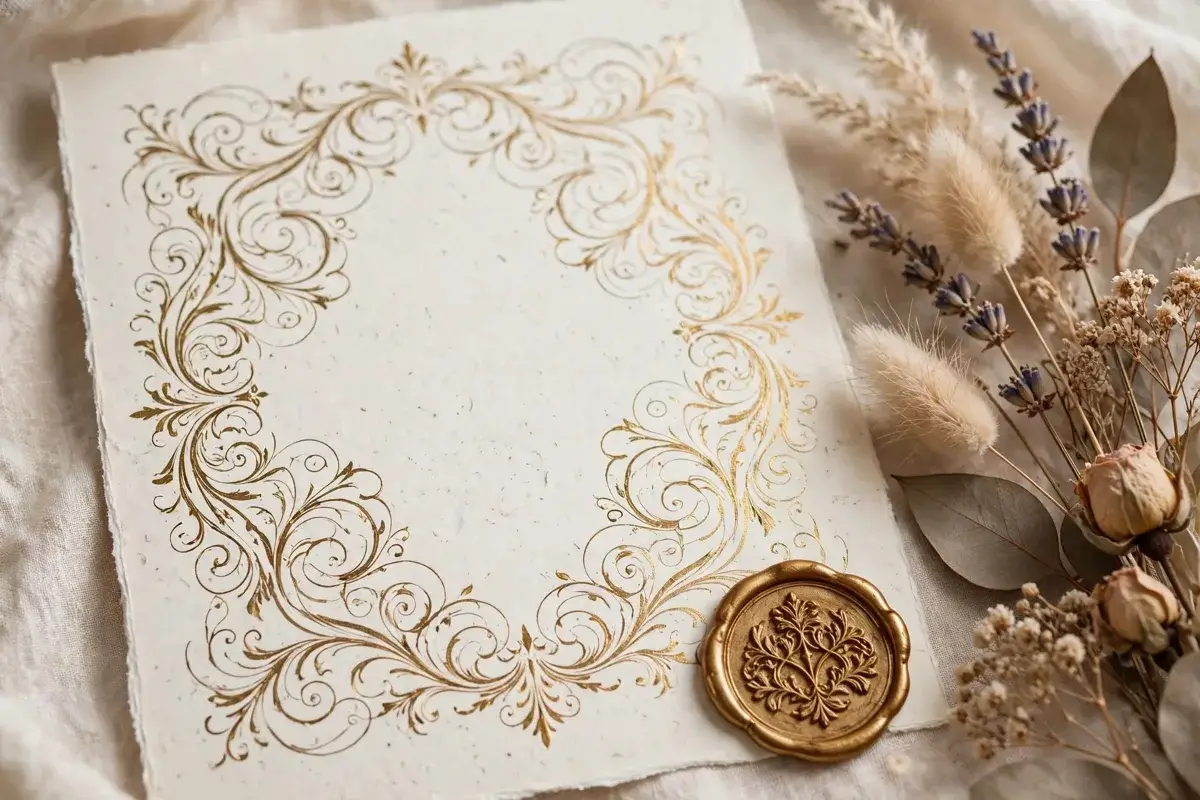
Elegant lettering for a wedding, without a calligrapher budget
A wedding invitation sets the tone for the whole day. Before guests read the date or the venue, they notice the names on the front, and the style of those names tells them whether the day will feel formal, romantic, rustic, or modern. This wedding calligraphy font generator helps couples and stationers create that first impression for free. You type the couple names, and the tool shows them in elegant wedding scripts, from classic Great Vibes and Pinyon Script to softer Parisienne and Italianno styles. You can compare a grand, sweeping name for an invitation cover with a simpler script for place cards, and you can keep the same font family across the whole suite so every piece feels like part of one celebration.
The tool needs no account and no payment, which is useful when wedding planning already involves many decisions and costs. You can test names in the evening, share screenshots with a partner or a family member, and return the next day with fresh eyes. That pause often helps, because a script that feels exciting at first can feel too ornate after a night, while a quieter script can grow on you. Take time with the couple names together, because the way two names sit side by side matters. A very tall script for one name and a very short script for the other can look unbalanced, so test the full pairing, not just one name alone.
How to use the wedding generator
Step one is to type the couple names in the box, in the order you want them to appear. Try both orders if you are unsure, because the first name often gets more visual weight. Step two is to browse the style cards and notice which scripts suit your wedding theme. A formal, traditional wedding often suits Great Vibes or Pinyon Script, a garden wedding often suits Parisienne or Allura, and a modern wedding often suits a cleaner script with less flourish. Step three is to choose your output. For digital use, copy a Unicode style into a message, a social post, or a wedding website heading. For print use, switch to the designer panel, pick a real wedding font, set the size and color, and download a transparent PNG or SVG.
Copy and paste styles versus real font downloads
Unicode copy and paste styles are best for quick digital wedding messages. You can paste a styled couple name into a WhatsApp announcement, an Instagram bio, or a wedding website heading, and it will appear as text. That is handy for a save the date message sent by phone, where an image might be too large or might lose quality. The limit is that Unicode shapes are fixed, so they cannot match the full elegance of a real wedding script, and they may look plainer on some devices.
Real font downloads are the right choice for printed wedding stationery. The designer panel uses true wedding fonts, and a transparent PNG can sit over an invitation background, a floral photo, or a textured paper image without a white box. An SVG keeps the letter outlines clean for a large sign, a cutting machine, or a professional printer. If you are working with a stationer or a print shop, send them the SVG and the font name, and ask them to confirm the size and color before printing. That extra check can prevent a costly reprint, especially for foil, letterpress, or embossed invitations where the font detail matters even more.
Where wedding calligraphy works well
Wedding calligraphy belongs on the pieces guests see first and remember longest. On an invitation cover, the couple names in a grand script create an immediate sense of occasion. On an envelope, a script name and address feel personal in a way that a printed label cannot match. Inside the invitation, a short script heading such as together with their families can soften the formal details that follow. Place cards benefit from a clear script name, because guests need to find their seat quickly, so choose a script that stays readable at a small size for that use.
Practical tips for wedding stationery
Start with a shortlist of two or three fonts, not twenty. Too many choices can delay decisions and make the suite feel scattered. Test those fonts with the real couple names, the real date, and a sample venue line, because a font that suits names may not suit numbers or longer words. Next, pair the script with a plain font for practical details. A simple serif or sans serif font for dates, times, addresses, and RSVP instructions will keep the invitation usable, while the script carries the romance.
Frequently asked questions
Which wedding font is best for invitations?
Great Vibes and Pinyon Script are classic choices for formal invitations, while Parisienne and Allura suit softer, garden style weddings. Test your actual couple names, because the best font depends on the length and letters in those names.
Can I use the generator for place cards and signs as well?
Yes. Use the same main script for names across pieces, but choose a clearer, larger version for place cards and signs, because guests read those from a distance and in low light.
Should I use copy and paste text or an image for invitations?
For print, use the PNG or SVG image download. It keeps the exact script, color, and size, and it works in Canva and with print shops. Use copy and paste text only for quick digital messages.
How do I make sure the names are spelled correctly?
Type the names exactly as they will appear, print one test copy, and ask another person to check it. Script letters can hide a typo, so a second pair of eyes is worth the effort before a full print run.
Is the wedding calligraphy generator free?
Yes. You can generate, copy, and download wedding lettering without creating an account and without paying.