Party Calligraphy Font Generator
Tap any card to copy that style.
Copied!
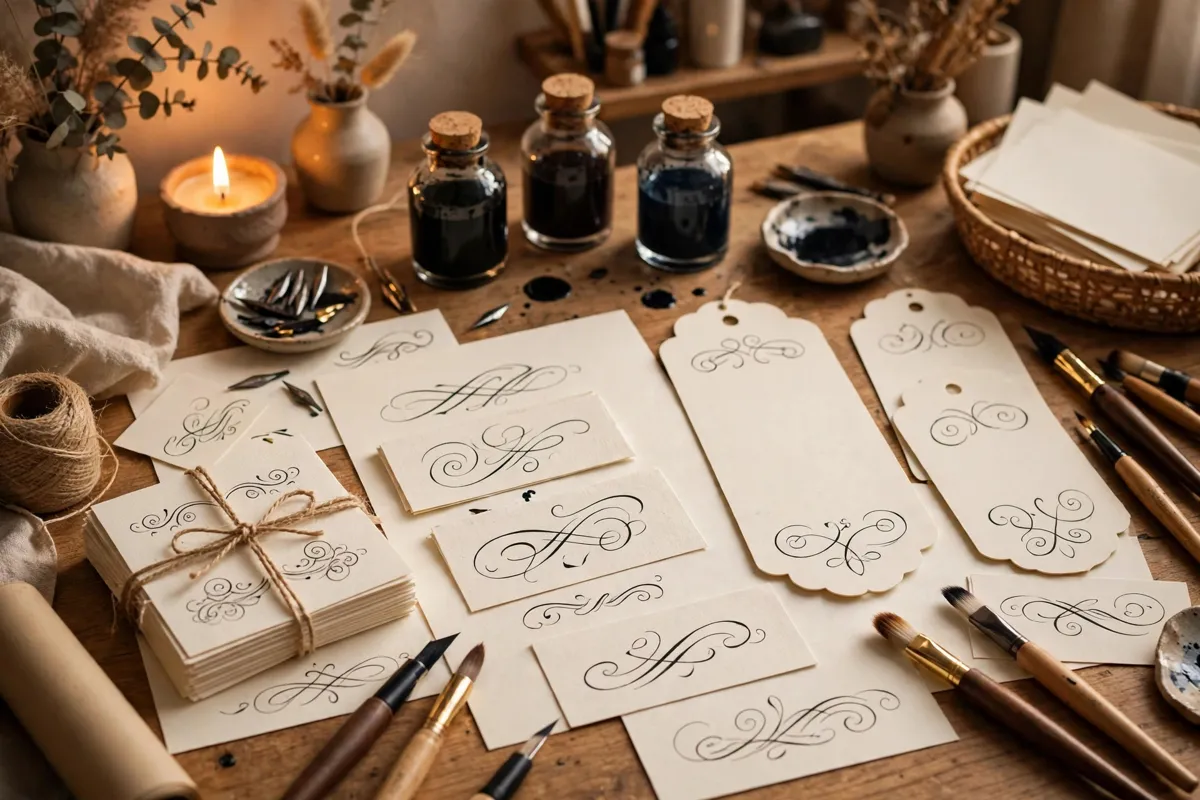
What this tool does
Parties run on atmosphere, and lettering sets the tone before guests arrive. This tool turns a theme, a name or a date into festive calligraphy for invitations, banners, table cards and photo backdrops. It suits birthdays, graduations, baby showers, anniversaries and seasonal gatherings, and it adapts well to both printed decor and social posts. The aim is celebration first, so styles here are lively, bold and easy to spot in photos.
Start from the homepage and browse the A to Z font chart to compare styles before you settle on one.
How to use it
Type your words into the tool, preview the style, then copy the result into your design. Start with a short phrase, because calligraphy reads best in small doses.
1. Type a short phrase, for example “Let’s Celebrate!”. 2. Preview the lettering and try a different style if the first one feels too formal or too playful. 3. Check that names, dates and key details are still easy to read at your final size. 4. Copy the result and paste it into your design, document or social graphic. 5. Add practical details in plain text underneath, so nothing important is lost in decoration.
Best fonts for this
Playball has a sporty, celebratory bounce for party headers, while Pacifico is round and playful for banners and favour tags. You can explore both styles on their own pages: Playball and Pacifico. Try each one with your own words, because the same style can feel quite different with a short name versus a longer heading. Remember to check the license note on each font page before commercial use.
Where it works
This style works well in places like:
– Invitations, save the dates and thank you notes – Banners, backdrops and welcome signs – Table numbers, place cards and menu headers – Photo props, gift tags and party favour labels
You may also like related tools such as kids-calligraphy-font-generator and gift-shop-calligraphy-font-generator, which share a similar audience but suit different messages.
Tips for better results
– Pick a bold style for banners and a softer one for small place cards. – Keep the guest name or date in plain text so details are never missed. – Check contrast against balloons, flowers and patterned backdrops. – Print one test banner before ordering a full set.
A simple test helps every time: step back, or shrink the design to its real size, and ask whether a stranger could read the heading in three seconds. If not, shorten the words or choose a clearer style.
Frequently asked questions
Q: Can I use this for a themed birthday?
Yes. Type the theme or the child’s name, choose a lively style, and use the result on invitations and banners.
Q: Will it work on social media posts?
Yes. Copy the lettering into your post design or image caption layout, and keep key details readable.
Q: What about small place cards?
Use a simpler, larger style for place cards, because very fancy scripts can be hard to read at table distance.
Browse all 200 calligraphy tools by style, occasion, platform and theme.