Modern Calligraphy Font Generator
Tap any card to copy that style.
Copied!
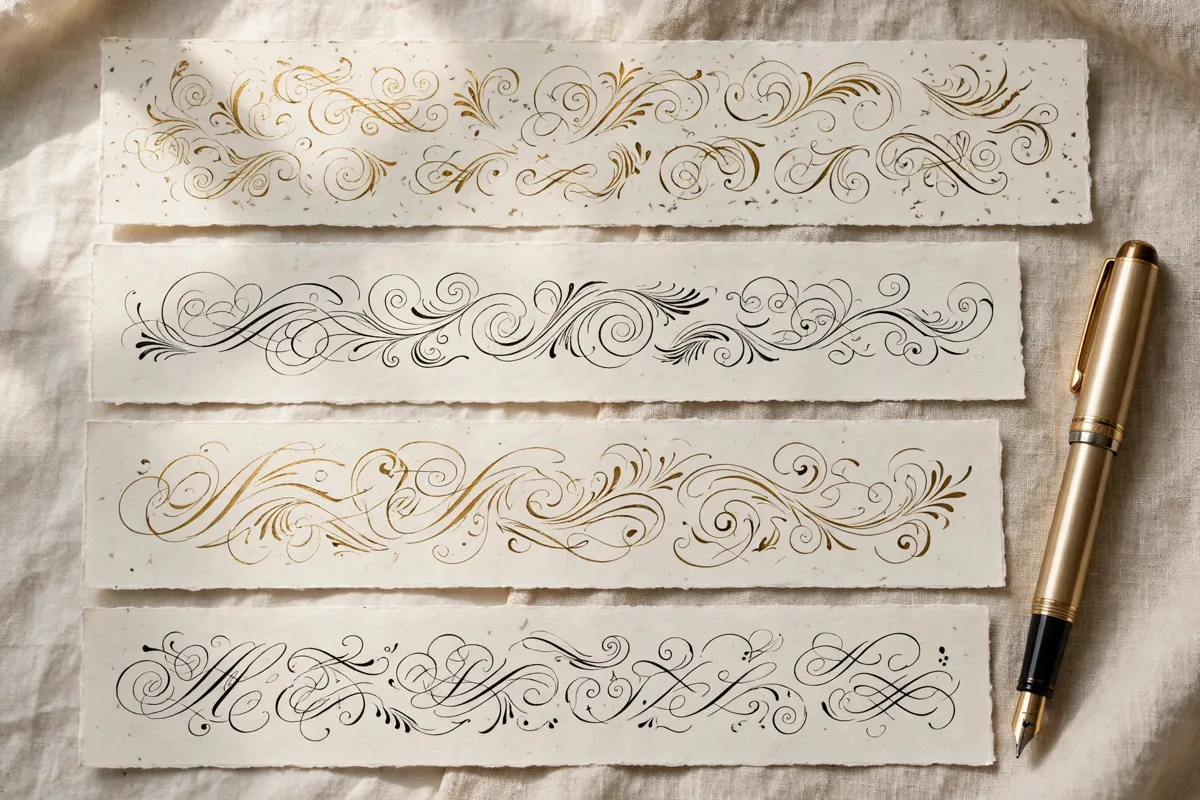
What this tool does
Modern calligraphy is clean, confident and current, with smooth strokes, open spacing and a relaxed rhythm. It feels fresh on screens and in print without losing its handwritten warmth. Expect simplified letterforms, steady flow and minimal decoration, with personality coming from movement rather than ornament. This free tool lets you type any word or short phrase and instantly see it in modern style, ready to copy and paste into your design. Try it first with Hello, Beautiful and then with your own name, so you can compare how long words and short words behave in modern lettering before you choose a final version for print or posting.
How to use it
Enter your text in the generator, try Hello, Beautiful as a first test, and explore the modern results. When you find a version you love, copy it and paste it into your chosen app or document. Repeat the process for each new heading, name or title in your project.
Best fonts for this
Two fonts from our library pair especially well with this style. Caveat works well because its friendly handwriting feel suits notes and captions. Euphoria Script is another strong match, since its ornate, decorative curves suit celebratory designs. Try both with your own words, such as Modern Love Studio, and see which one suits your project. As always, check the license note on each font page before commercial use.
Where it works
This style works beautifully for contemporary wedding stationery and branding, website headings, logos and packaging and social media graphics and personal brands. For inspiration across every style, browse the A to Z collection, and start new projects from the homepage. You can also explore Minimal and Luxury for related looks that pair well with modern lettering. If you are new to styled text, read how to use the generator via how to use the generator for a simple walkthrough. Because this style is best for short lines, use it for the headline and keep directions, prices and contact details in plain text, so every reader can find the practical information quickly.
Tips for better results
Let white space do the work and avoid crowding the letters. Use modern calligraphy for headlines and keep body copy simple. Test your design on a phone screen, where most people will see it first. Always preview your final design on the device or paper where people will actually see it, since size and colour can change how lettering feels. Also save a plain text copy of your wording alongside the styled version, so you can reuse names, dates and addresses without retyping them, and keep a consistent style across invitations, posts and packaging.
Frequently asked questions
Q: Is modern calligraphy easier to read than traditional script?
Usually, yes. Its open forms and simpler joins make short phrases clear at a glance.
Q: Does modern calligraphy suit business branding?
Yes. It adds a personal touch to logos, packaging and social graphics without looking old fashioned.
Q: Can beginners use modern calligraphy?
Yes. Its relaxed rules make it a friendly starting point for anyone styling text online.
Browse all 200 calligraphy tools by style, occasion, platform and theme.