Golden Anniversary Font Generator
Tap any card to copy that style.
Copied!
What this tool does
A golden anniversary celebrates fifty years of shared life, and the lettering should glow. This tool shapes your golden anniversary wording into radiant cursive for cards, signs, and tributes. Type a line like “Happy Golden Anniversary, 50 years of love and laughter” into the tool, preview it in cursive, and copy the result for your golden anniversary plans. If you want to compare letter shapes first, browse the A-Z chart or start fresh from the homepage.
How to use it
Using the tool takes less than a minute, and you do not need design experience to get a clean result for golden anniversary. 1. Type your golden anniversary message in the box, starting with your headline or the name that matters most. 2. Read the cursive preview carefully, and check that names, numbers, and dates look exactly as you typed them. 3. If the cursive feel is not right for your golden anniversary occasion, browse the related font pages below for a different style to compare. 4. Copy the lettering once you are happy with it. 5. Paste it into your card, post, or print file, then check spacing and size before you share or print it.
Best fonts for this
For golden anniversary, start with Luxurious Script. It is a lavish script with generous swashes, which keeps a golden anniversary headline warm and readable without looking stiff. Also consider Great Vibes. It is a flowing formal script with long flourishes, and it suits a golden anniversary message that needs a slightly different mood, from formal to relaxed. Before you use a font for a printed product or a commercial project, check the license note on each font page.
Where it works
Use this lettering on golden anniversary cards, party banners, family tributes, photo displays, and gift tags. It also works on social captions and printed keepsakes, as long as the background stays calm behind the script. If you are planning more than one celebration, pair this page with Anniversary Font Generator and Retirement Font Generator for matching lettering across your invitations and posts. For more background, see How to Use Calligraphy Font Generator, which explains how to use the tool step by step in plain terms.
Tips for better results
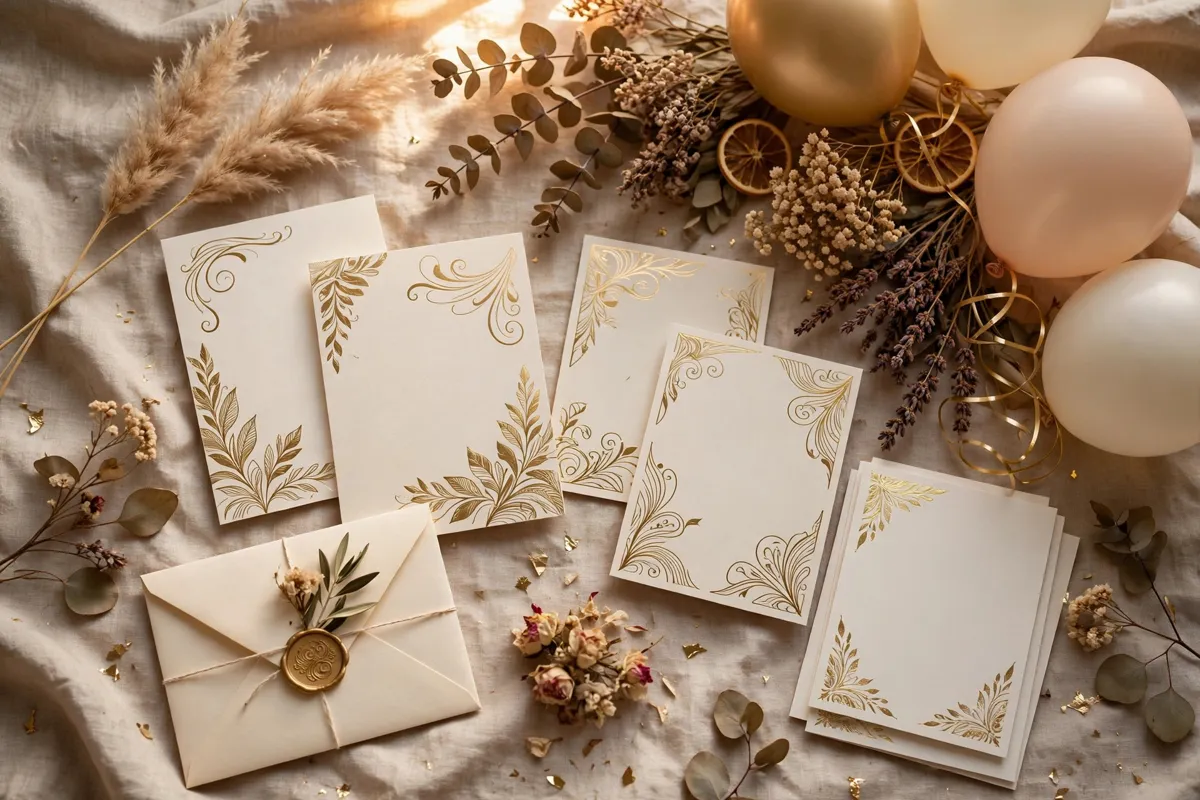
A few small choices make script lettering look professional instead of cluttered. – Lead with the couple names and the fifty years headline in script, and add party details in plain text. – For a display, pair the script names with a plain timeline of family milestones underneath. – Gold ink on cream or ivory card suits this milestone, but test readability before printing. – Save a copy of your final wording in plain text, so you can reuse it if a card or post needs reprinting.
Frequently asked questions
Q: Can I use this for a golden anniversary party invitation?
Yes. A radiant script headline plus plain party details gives guests both beauty and information.
Q: Should children and grandchildren be named?
You can list family names in plain text inside the card, while the script carries the couple names on the front.
Q: Does script suit a golden anniversary photo display?
Yes. Script headings for each decade plus plain captions for photos make a display that is easy to enjoy.
Browse all 200 calligraphy tools by style, occasion, platform and theme.